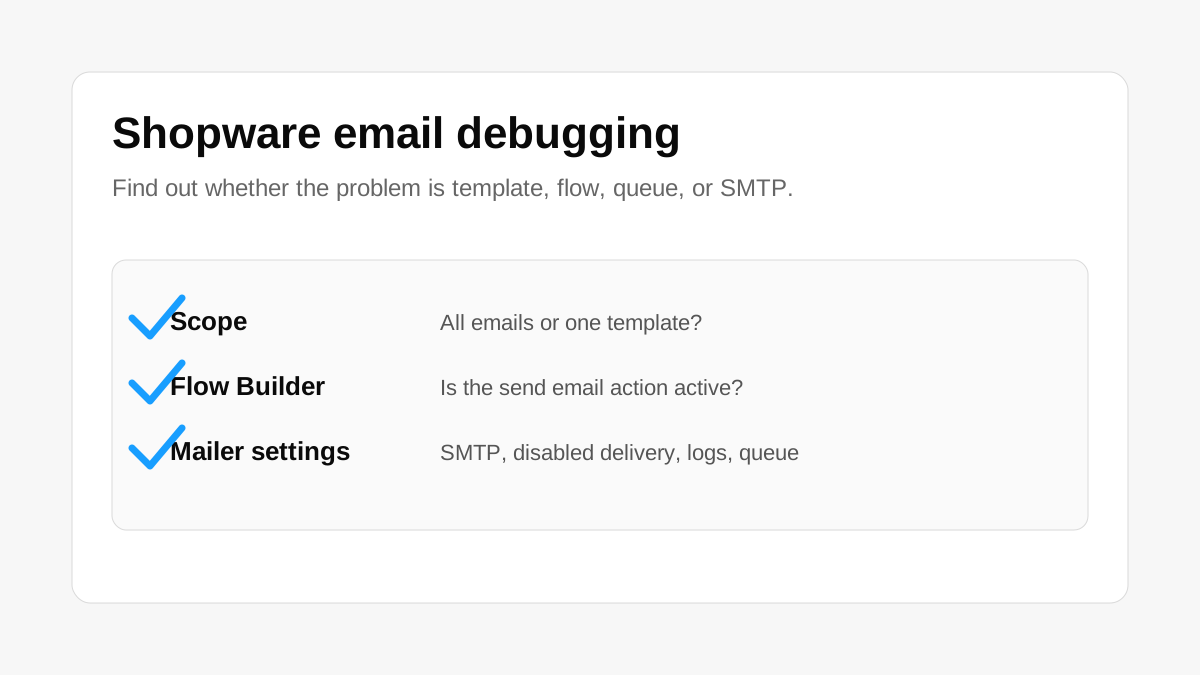
When a Shopware store is not sending emails, do not start by changing random SMTP settings. The first step is to understand the scope of the problem.
There are two very different cases.
Maybe all emails are not being sent. For example, order confirmations, password reset emails, registration emails, and contact form emails all fail.
Or maybe only one email is missing. For example, the order confirmation email is not sent, but password reset still works.
If only one email is missing, check the email template and Flow Builder first. In Shopware 6, many emails are triggered by flows. If the flow is inactive, the conditions are too strict, the send email action is missing, or the wrong template is assigned, the email may never be sent even when the mail server configuration is correct.
For this case, check whether the email template exists, whether it is assigned to the right sales channel and language, whether the subject or content has a Twig error, whether the related flow is active, whether the flow contains a send email action, and whether the event trigger is the right one.
If all emails are failing, then check the email delivery configuration in the Shopware Admin settings. Make sure the SMTP or mail transport settings are correct: host, port, username, password, encryption, sender email, and sender name.
Also check whether disabled email delivery is enabled. This setting is easy to miss. It is useful on staging or development systems, but if it stays enabled on production, Shopware may process the flow without actually sending emails to customers.
A MailArchive plugin can also help a lot. It gives you a place to see whether an email was created, whether Shopware tried to send it, and whether it failed. Without this kind of visibility, email debugging often becomes guesswork.
If the project sends emails through a queue, also check the queue worker and scheduled tasks. An email can be created successfully but never sent if the worker is stopped, the message queue is stuck, or the transport has an error.
Quick checklist when Shopware is not sending emails:
- Check whether all emails fail or only one specific email.
- Check email templates and Flow Builder when only one email is affected.
- Check mailer configuration in Admin settings when all emails fail.
- Check whether disabled email delivery is enabled.
- Check spam folders and mailbox provider rules.
- Check SPF, DKIM, and DMARC when emails are rejected or land in spam.
- Check Shopware logs and server logs.
- Check queue workers if emails are sent asynchronously.
- Install a MailArchive plugin to inspect email status.
If you cannot identify the issue yourself or do not want to test too many changes on production, I can check and fix the Shopware email delivery problem safely for you.
The safest way to debug Shopware email problems is to move from scope to root cause. First find out whether Shopware creates the email, whether the flow runs, whether the email reaches the queue, whether the mailer sends it, and whether the provider accepts or rejects it.
Once you know where the email stops, the fix becomes much clearer.